Lessons · 4/5
From an idea to your first task
Write a request the team can act on, follow the work and keep the next step clear.
Describe the behavior you want to see
A useful task names the user action and its expected result. For a customer list, specify which fields to show, how someone adds a customer and what should happen when a required field is missing. Keep your first task small enough to check in one sitting.
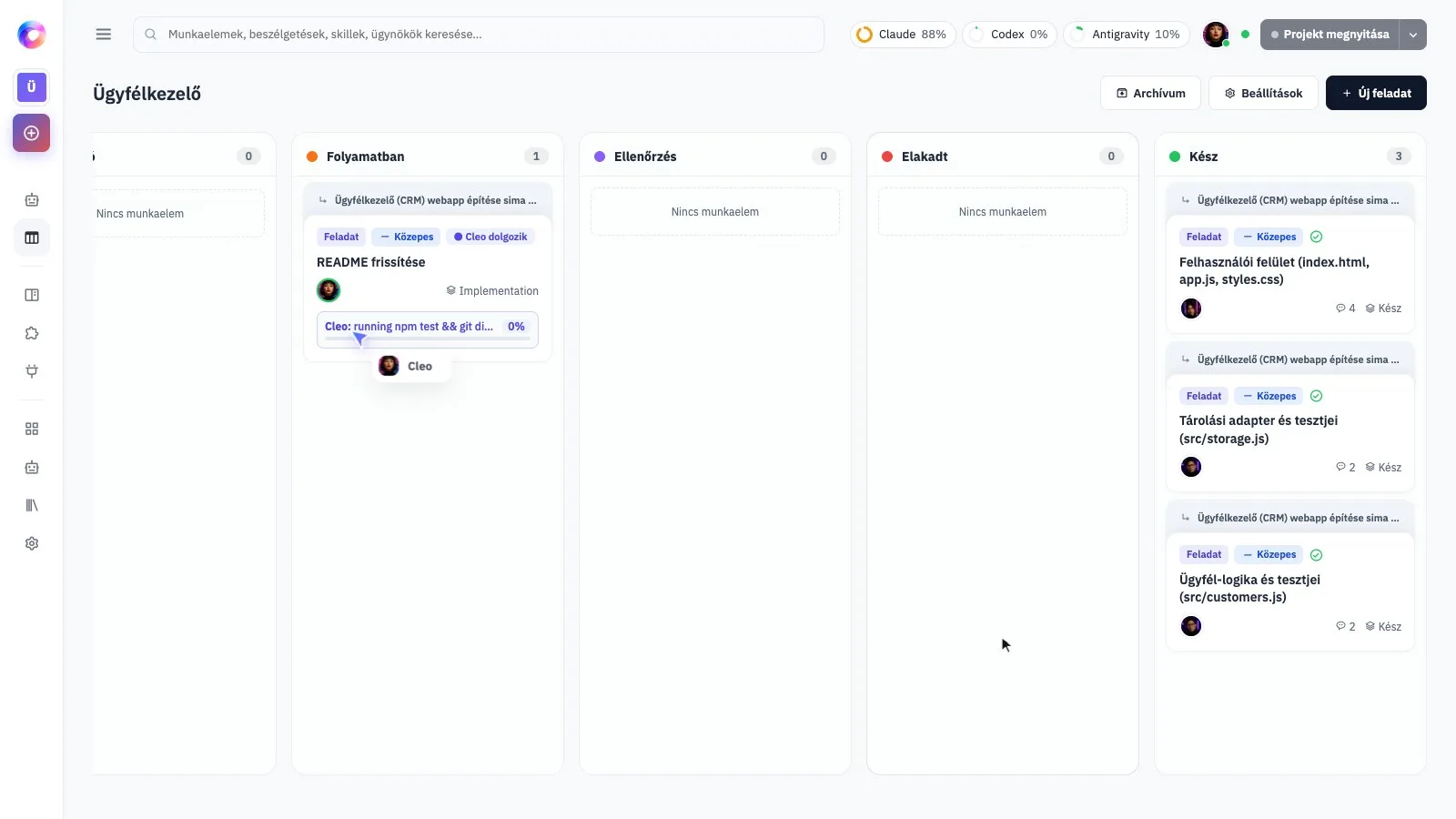
Follow the work on the board
Use the task board to see what is being planned, worked on or reviewed. Open the relevant task and read its latest result before sending another request. If the team asks for a decision, answer it directly so the work can continue with the right assumptions.
Keep feedback tied to one result
When something is wrong, describe what you did, what happened and what you expected instead. Include a screenshot when it helps. Ask for the specific correction and explain what should stay unchanged; unrelated ideas can become separate tasks.
Enlarge screenshot