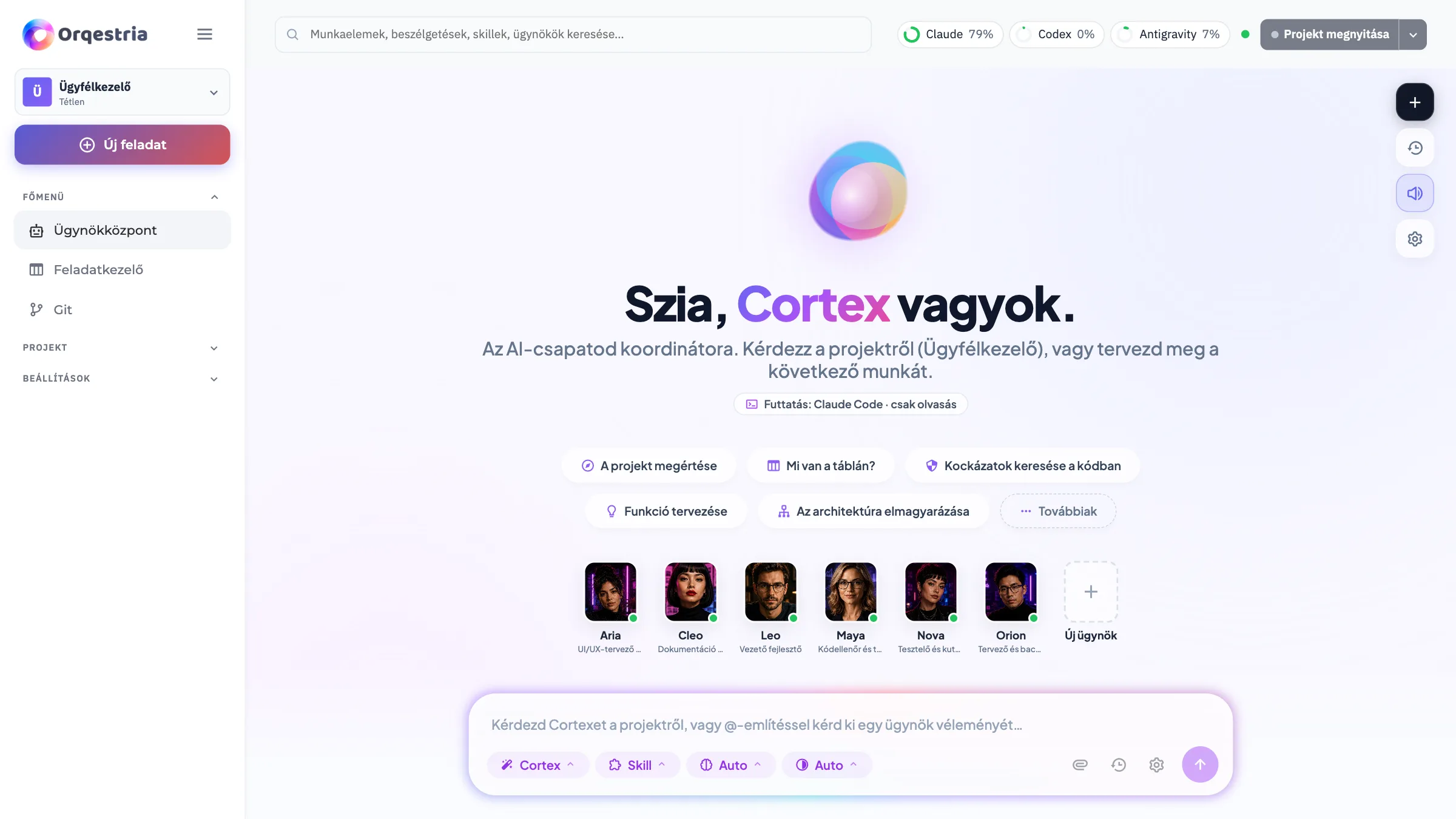
Lessons · 3/5
Your first project and AI team
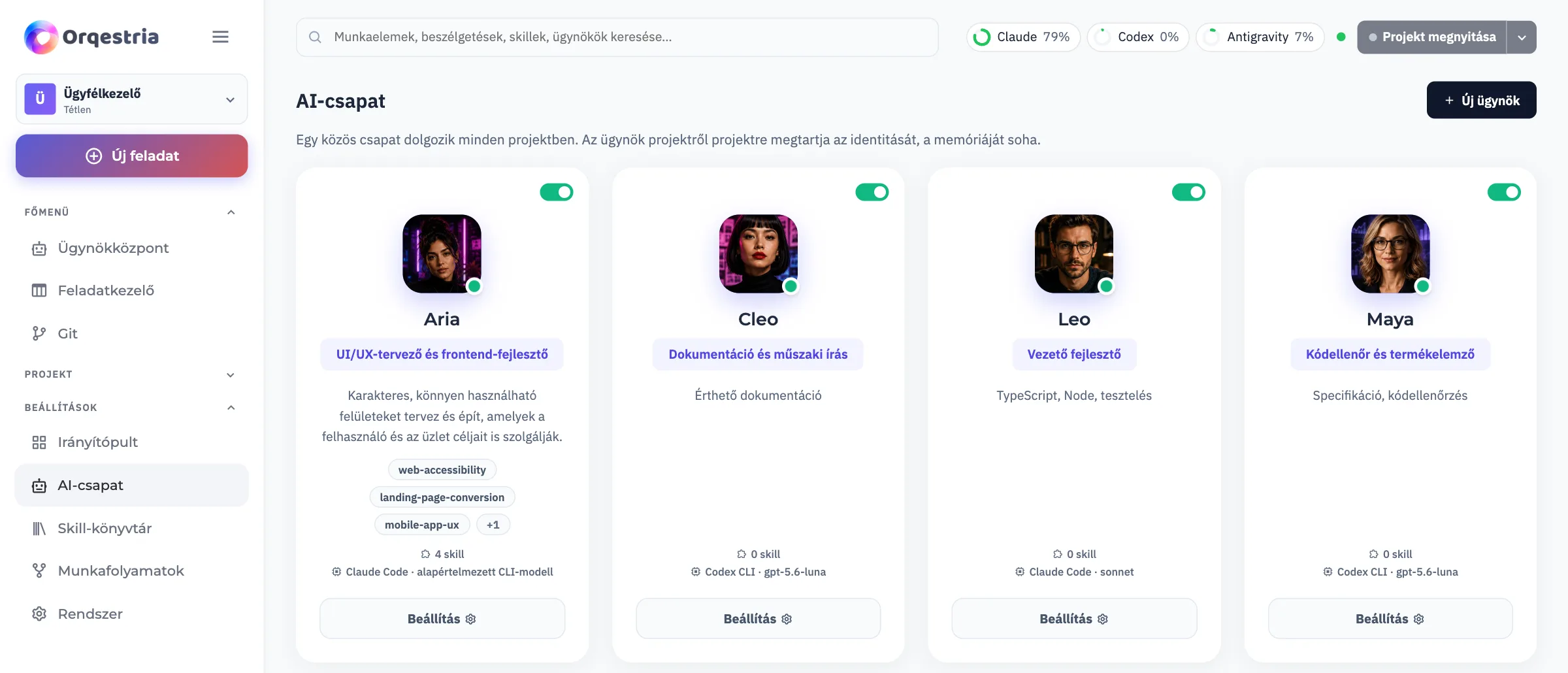
Give your work a home, understand the team’s roles and turn an idea into a clear brief.
Choose a project you can explain simply
Start with a small new project, or a copy of an existing project that is safe to explore. Give it a recognizable name and a dedicated folder. Before work starts, confirm that the app is pointing at the project you intend to change.
Think in roles, not just agent names
A planner turns your goal into manageable tasks. A developer implements the agreed changes. A reviewer or tester checks the result. Look at each agent’s role and connected provider in the team view; the names and available agents may differ from the demo.
Give the team a short, usable brief
In the Agent Hub, describe the intended user, the problem and the smallest useful result. Add examples and limits: what must work, what can wait and which existing behavior must stay intact. Ask for a plan you can review before the larger changes begin.
Enlarge screenshot