Lessons · 5/5
Review the result and plan the release
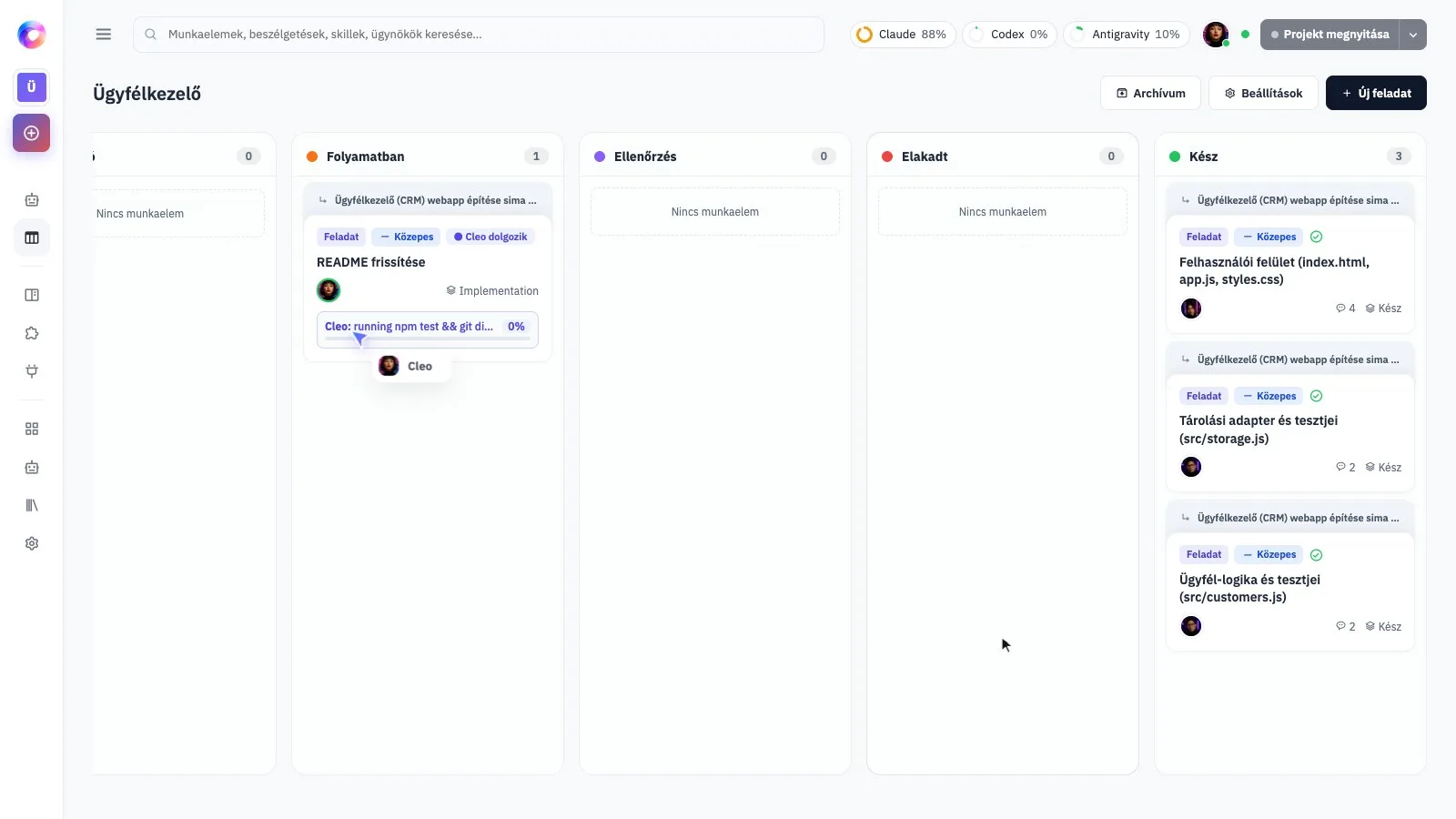
Check the work yourself, understand what has been tested and choose a deliberate next step.
Try the actual user journey
Ask the team how to open the result locally. Then do the intended action yourself and compare it with the checks from your task. Try an empty state, incomplete input and the normal successful case. Read the review and test results, including anything the team could not verify.
Know what “finished” means
A file changed on your Mac, a saved commit, a pushed branch and a live website are different states. Ask the team which state you have reached. A completed task does not, on its own, mean the application is available to other people.
Choose the release step explicitly
When the local result is ready, ask for a release plan: where it will run, what access is needed, what may cost money and how to undo a bad release. Review that plan before publishing. The exact deployment process depends on your project and hosting; this lesson does not assume automatic deployment.
Enlarge screenshot